



 HP LogisticsLogistics
 BrokrifyOur product
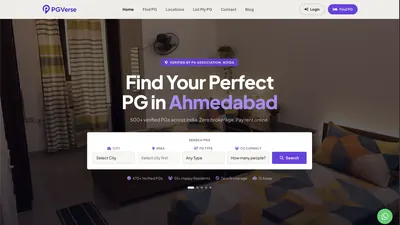 PGVerseReal estate
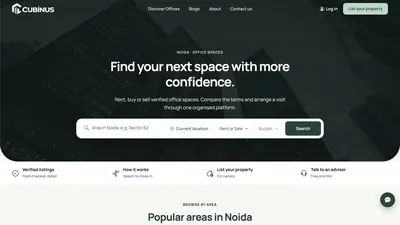 CubinusReal estate
 Madhava's TravelsTravel and mobility
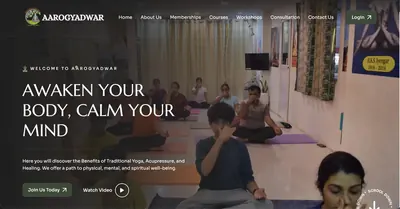 Aarogya DwarWellness
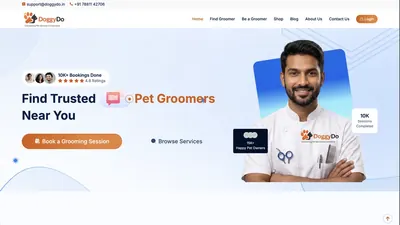 DoggyDoPet services
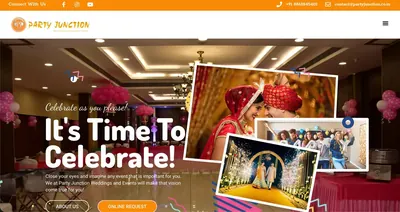 Party JunctionEvents
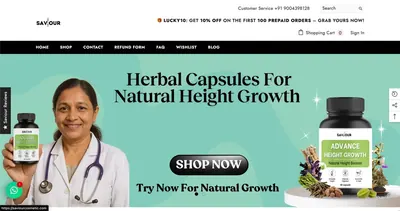 Saviour CosmeticE-commerce
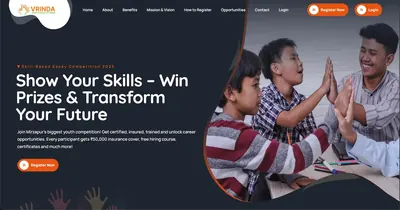 Vrinda Youth CareEducation and NGO
For the seeker
- Search by city, area and budget, with filters that match how people think: gender, sharing type, furnishing, meals.
- Clear photos, price, deposit and rules on every listing.
- Map view and distance to landmarks, offices or colleges.
- A one-tap enquiry or callback request that works well on a phone.
For the owner or broker
- A simple dashboard to add and edit listings and mark them available or full.
- Alerts when an enquiry arrives, ideally on WhatsApp.
- A record of which enquiries turned into visits.
For your team
- An approval step so listings are verified before going live.
- Duplicate detection and expiry reminders, so stale listings do not damage trust.
- Reports by area, source and status to see which areas bring enquiries.
Build in stages
| Stage | What you get | Why first |
|---|---|---|
| 1. Discovery site | Search, listing pages, enquiry form | Validates demand cheaply |
| 2. Owner tools | Dashboards, approvals, alerts | Keeps listings fresh |
| 3. Growth | Payments, mobile app, reviews | Added once usage justifies it |
We have built discovery websites for PG and office-space brands, with city search, listings and enquiry flows. If you are planning one, start with the smallest version that proves seekers will use it.
Do not try to cover every city on day one. One well-covered city beats ten thin ones.
Need help with this? Talk to the Growable team about your project. Contact us or message us on WhatsApp.