

Table of Contents
ToggleBest AI Coding Tools 2026: Tools, Reviews & Better Alternatives
Introduction
Let’s be real building software used to be hard.
You either had to:
➤ learn coding for years, or
➤ hire developers and burn money
Now suddenly, everyone’s talking about AI coding tools like they’re magic.
Type a prompt → get an app.
Describe an idea → get working code.
That’s the whole promise.
And honestly? It does feel insane at first.
You open one of these tools, type something simple like
“build me a SaaS dashboard with login” and boom, it gives you something usable.
This whole shift is what people are now calling vibe coding.
But here’s the thing no one tells you
Just because you can generate code
doesn’t mean you’re actually building something reliable, scalable, or even usable long-term.
That’s exactly what I’m going to break down in this blog:
➤ the best AI coding tools in 2026
➤ what vibe coding really is
➤ and where it actually starts falling apart
Because if you’re serious about building something real not just playing around you need clarity, not hype.
What Is Vibe Coding?
“Vibe coding” is basically coding without coding.
You’re not writing logic line by line.
You’re just describing what you want, and AI generates the code for you.
Simple as that.
Instead of thinking like a developer, you think like this:
➤ a founder
➤ a product person
➤ or just someone with an idea
You say things like:
➤ “create a landing page”
➤ “add a payment system”
➤ “build a chat feature”
and the AI handles the technical part.
That’s why it feels so powerful.
You don’t need:
➤ deep technical knowledge
➤ system design skills
➤ or years of experience
You just need intent + clarity.
And tools today are getting ridiculously good at this.
Platforms like Cursor, Replit, and GitHub Copilot are making it possible to go from idea → prototype in hours, not weeks.
Why Vibe Coding Is Blowing Up Right Now
This isn’t just hype there are real reasons why vibe coding is exploding:
1. Speed Is Unreal
You can build MVPs insanely fast.
What used to take weeks now takes hours.
2. Barrier to Entry Is Gone
Non-tech founders can finally build things without relying on developers from day one.
3. Cost Feels Close to Zero
Instead of hiring a team, you’re just using tools.
4. Perfect for Experimentation
You can test ideas quickly without committing huge resources.
But here’s the part most people ignore:
These tools are amazing for starting
Not always great for scaling
And that’s where things get interesting which we’ll get into next when we break down the top AI coding tools in 2026 and their real limitations.
➤ Strong reasoning capabilities
➤ Handles longer context well
➤ Good for structured outputs
Cons:
➤ Can overcomplicate simple things
➤ Still not reliable for full apps
➤ Needs constant guidance
Smart but not independent enough to trust fully.
Best AI Coding Tools 2026: Top 10 Vibe Coding Platforms
Alright let’s talk about the tools everyone’s hyping right now.
On the surface, they all promise the same thing:
➦ “Just describe what you want, and we’ll build it for you.”
And to be fair they do work.
But once you go a little deeper, you start noticing a pattern:
➤ great demos
➤ fast outputs
➤ but questionable depth
Anyway, here are the top ones you should know
1. Cursor
Introduction:
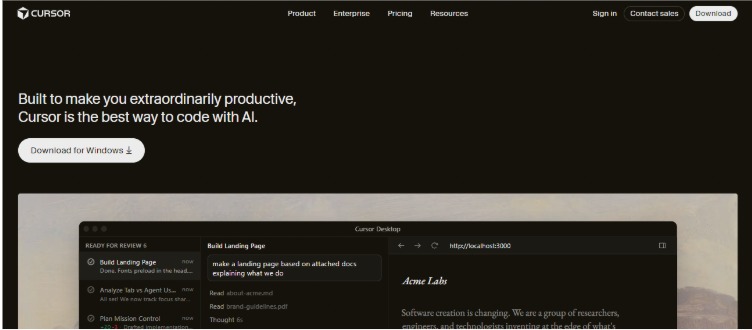
Cursor feels like the closest thing to “real” vibe for coding developers. It’s basically a smarter code editor that tries to do most of the heavy lifting for you.
Pricing:
Free plan available
Paid starts around $20/month
Pros:
➤ Extremely fast code generation
➤ Great for editing and refactoring
➤ Feels smooth if you already know coding
Cons:
➤ Still expects you to understand what’s going on
➤ Breaks down with complex logic
➤ Debugging AI-generated code = not fun
Basically, powerful but not as “no-effort” as people think.
2. Replit AI
Introduction:
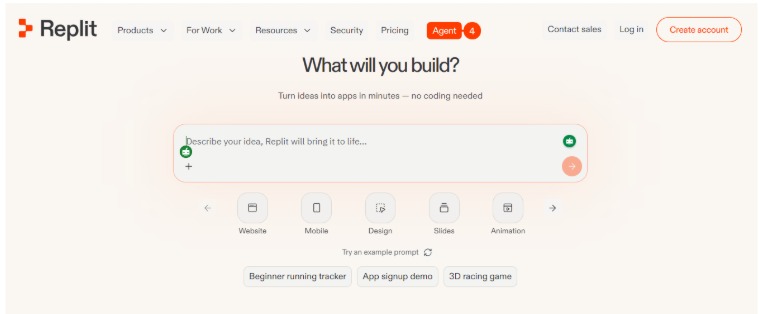
This one is popular because it removes all setup. You open it, type something, and boom you’re building.
Pricing:
Free tier available
Paid plans start ~$20/month
Pros:
➤ Beginner-friendly
➤ Everything in one place
➤ Fast for simple apps
Cons:
➤ Performance issues as things grow
➤ Not built for serious scale
➤ Feels limiting pretty quickly
➤ Repeated Mistakes
➤ Security Issues
Great for trying ideas not for building something you depend on.
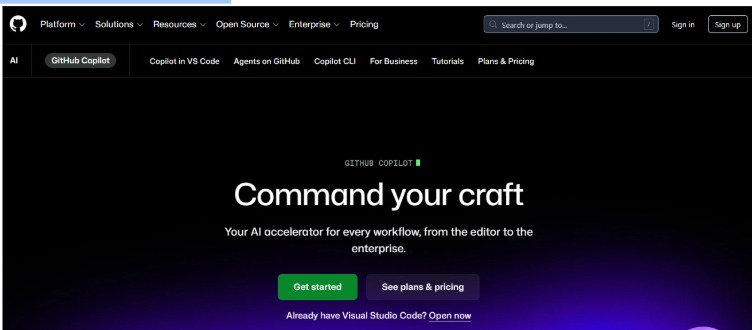
3. GitHub Copilot
Introduction:
More like an AI assistant than full vibe coding but still heavily used.
Pricing:
~$4/month (individual)
Pros:
➤ Speeds up coding a lot
➤ Good suggestions most of the time
➤ Integrates with dev workflows
Cons:
➤ Not a replacement for developers
➤ Still requires strong coding knowledge
➤ Can introduce subtle mistakes
It helps you code faster but you still need to know what you’re doing.
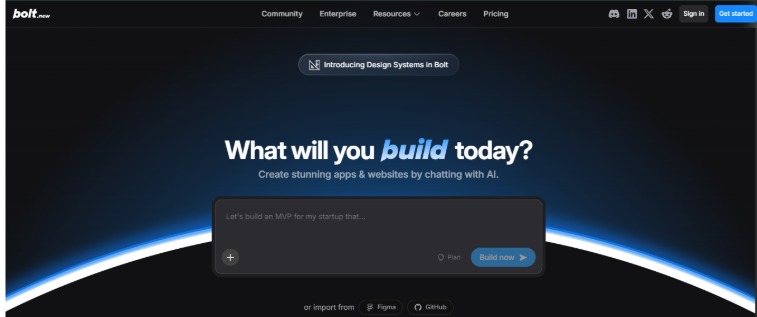
4. Bolt.new
Introduction:
This is where things get more “prompt → app” focused.
You describe your idea, and it tries to generate a working product.
Pricing:
Freemium (pricing evolving)
Pros:
➤ Super fast prototyping
➤ Minimal effort required
➤ Good for MVP demos
Cons:
➤ Output can feel shallow
➤ Hard to customize deeply
➤ Scaling? Not really its thing
Looks impressive at first until you try to go beyond the basics.
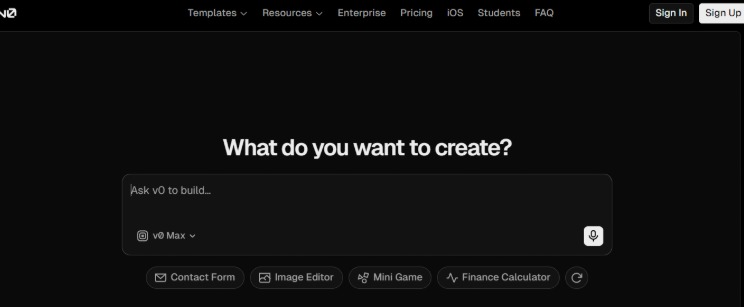
5. Vercel v0
Introduction:
Focused mostly on UI generation type what you want, and it builds frontend components instantly.
Pricing:
Free + usage-based pricing
Pros:
➤ Great UI generation
➤ Fast and clean outputs
➤ Useful for frontend work
Cons:
➤ Backend logic missing
➤ Limited real-world depth
➤ Not a full solution
Amazing for mockups not for full products.
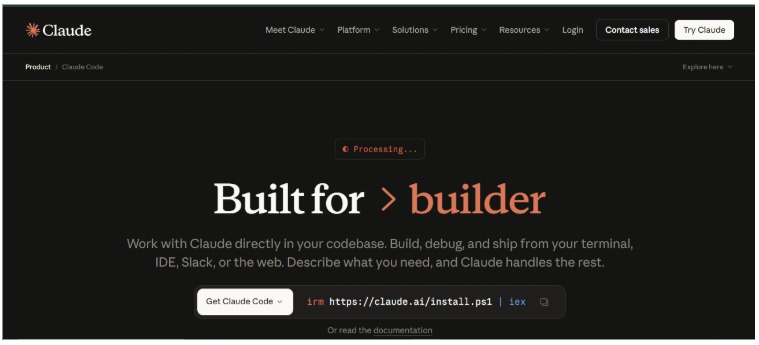
6. Claude Code
Introduction:
Built around AI conversations generating code feels more like chatting your way into an app.
Pricing:
Usage-based (via API/tools)
Pros:
➤ Strong reasoning capabilities
➤ Handles longer context well
➤ Good for structured outputs
Cons:
➤ Can overcomplicate simple things
➤ Still not reliable for full apps
➤ Needs constant guidance
Smart but not independent enough to trust fully.
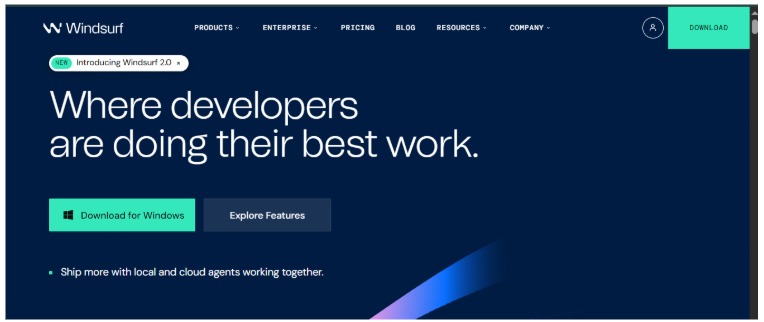
7. Windsurf
Introduction:
A newer AI dev environment trying to combine speed with automation.
Pricing:
Freemium model
Pros:
➤ Fast generation
➤ Clean interface
➤ Decent automation
Cons:
➤ Still evolving
➤ Inconsistent outputs
➤ Not proven at scale
Feels promising but not fully there yet.
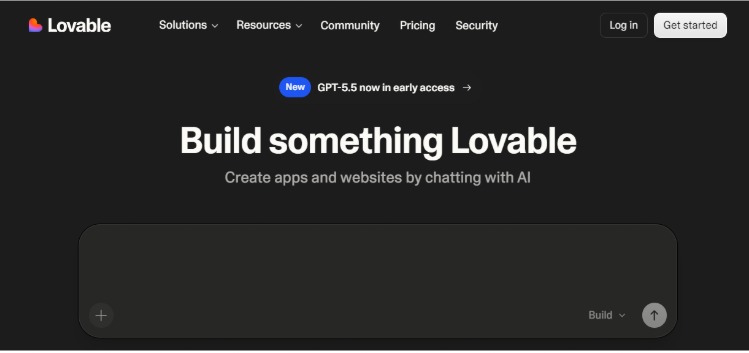
8. Lovable
Introduction:
Focused on building apps through simple prompts with a strong UX focus.
Pricing:
Freemium
Pros:
➤ Easy to use
➤ Clean outputs
➤ Good for quick ideas
Cons:
➤ Limited flexibility
➤ Not scalable
➤ Lacks depth for complex builds
Good for quick wins not for long-term products.
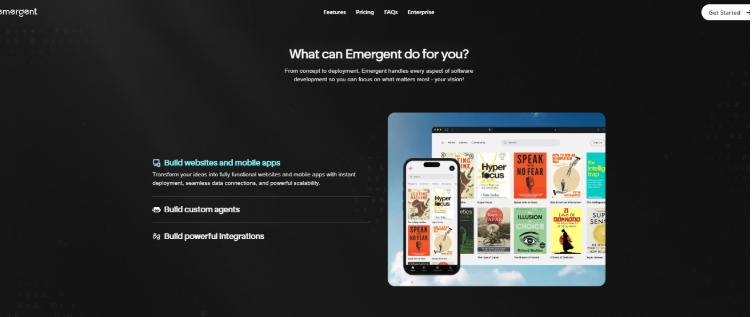
9. Emergent
Introduction:
Emergent is one of those tools trying to push vibe coding even further more automation, less manual effort, more “AI builds it for you” energy.
On paper, it sounds like exactly what everyone wants.
Pricing:
Not very transparent yet (early-stage / evolving)
Pros:
➤ Strong automation focus
➤ Aims to reduce human input even more
➤ Interesting concept for future dev workflows
Cons:
➤ Still early and unproven
➤ Limited real-world use cases
➤ Hard to rely on for anything serious
Feels like a “next-gen” idea just not something you’d bet your product on yet.
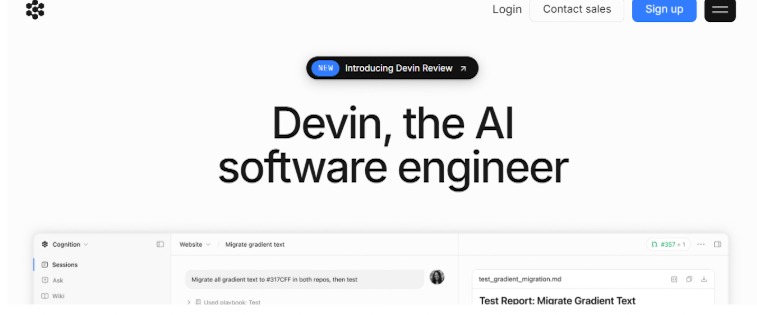
10. Devin.Ai
Introduction:
Marketed as an autonomous AI engineer big claims, big expectations.
Pricing:
Enterprise-level / not widely accessible
Pros:
➤ Ambitious capabilities
➤ Can handle multi-step tasks
➤ Strong concept
Cons:
➤ Still very early
➤ Not accessible for most users
➤ Real-world reliability unclear
Sounds revolutionary… but not something you can depend on yet.
Final Thought on These Tools
If you look at all of them together, a pattern becomes obvious:
They’re amazing for:
➤ quick builds
➤ prototypes
➤ experimenting
But the moment you try to:
➤ scale
➤ customize deeply
➤ or build something serious
You start hitting walls.
And that’s where most people realize this isn’t the full solution.
Why Vibe Coding Doesn’t Scale (And Where It Starts Breaking)
Up until now, vibe coding probably looks like a cheat code.
Fast builds.
Low effort.
Minimal cost.
But here’s what usually happens after the excitement phase
1. It Works… Until It Doesn’t
For simple apps, everything feels smooth.
But the moment you try to:
➤ add complex features
➤ connect multiple systems
➤ handle real users
Things start breaking.
Not dramatically… just slowly.
And that’s worse.
Because now you’re stuck fixing something you didn’t fully build or understand.
2. You End Up Debugging AI Logic
This is where most people get frustrated.
AI generates the code.
But when something goes wrong you’re the one fixing it.
And the problem?
You didn’t write it
You don’t fully understand it
And AI explanations aren’t always accurate
So you spend hours going in circles.
What was supposed to save time… starts wasting it.
3. Scalability Is Not Built-In
Most vibe coding tools are optimized for:
➤ speed
➤ demos
➤ prototypes
Not for:
➤ handling thousands of users
➤ managing complex databases
➤ building long-term architecture
So when your product grows…
performance drops
bugs increase
things become unstable
4. Security Is an Afterthought
This is a big one and most people ignore it.
AI-generated code:
➤ doesn’t always follow best practices
➤ can introduce vulnerabilities
➤ isn’t reviewed like production code
If you’re building anything serious (payments, user data, SaaS)…
this becomes a real risk.
5. Customization Hits a Wall
At first, everything feels flexible.
But once you want:
➤ unique workflows
➤ custom integrations
➤ advanced features
You realize…
you’re limited by what the tool can do
And going beyond that?
Usually means rewriting things from scratch.
6. The “Cheap” Option Gets Expensive
This is the biggest misconception.
Vibe coding looks cheap because
➤ low monthly cost
➤ no upfront dev team
But if you actually calculate:
➤ time spent fixing issues
➤ limitations forcing rebuilds
➤ switching tools
➤ hiring developers later anyway
it adds up fast.
In many cases, people end up:
paying twice once for the shortcut, and again for the real solution.
So What’s the Smarter Approach?
This is where things shift.
If you’re just experimenting vibe coding is fine.
But if you’re building:
➤ a startup
➤ a SaaS product
➤ or anything meant to grow
You need something built properly from day one.
Why Working with a Custom Development Team Changes Everything
Instead of patching things together
You build it right from the start.
Teams like Growable focus on:
1. Scalability First
Your system is designed to grow not break when users increase.
2. Clean, Maintainable Code
No guessing. No AI confusion.
Everything is structured and understandable.
3. Real Security Standards
Proper handling of:
➤ user data
➤ authentication
➤ integrations
4. Full Customization
You’re not limited by a tool.
If you can think it can be built.
5. Long-Term Cost Efficiency
This is the part most people miss.
Yes, custom development has an upfront cost.
But long-term?
No rebuilding,
no tool limitations
no constant fixes
Which actually makes it more cost-effective over time.
Best AI Coding Tools 2026 vs Custom Development (The Honest Truth)
➤ Vibe coding → great for starting
➤ Custom development → necessary for scaling
One gives you speed.
The other gives you stability.
Final Thought
Vibe coding isn’t bad.
In fact, it’s one of the most exciting shifts in software right now.
But it’s not a complete solution.
And treating it like one is where most people go wrong.
If you’re serious about building something that:
➤ lasts
➤ scales
➤ and actually works in the real world
Then at some point, you need to move beyond shortcuts
and build it properly.
If you like this blog, do check out our other blog on: Top 10 White Label Software to Resell in 2026 (High-Profit Picks + Better Alternative)
FAQs
What is vibe coding?
Vibe coding is a way of building software using AI where you describe what you want in plain language, and the tool generates code for you.
Instead of writing code manually, you just give instructions like “build a login page” or “create a dashboard,” and the AI handles the technical part.
What are the best AI coding tools in 2026?
Some of the most popular vibe coding tools right now include:
➤ Cursor
➤ Replit
➤ GitHub Copilot
➤ Lovable
➤ Vercel v0
These tools are great for prototyping, but each has limitations when it comes to scalability and real-world applications.
Are vibe coding tools free?
Many vibe coding tools offer free plans, but they usually come with limitations like usage caps, restricted features, or performance constraints.
For serious projects, you’ll almost always need to upgrade to paid plans and costs can add up over time.
Can vibe coding replace software developers?
No vibe coding can assist in building software, but it doesn’t replace developers.
AI can generate code, but it still lacks the following:
➤ deep system understanding
➤ architecture planning
➤ long-term scalability thinking
Developers are still needed to build reliable, production-ready systems.
Is vibe coding good for software development?
Vibe coding is useful for:
➤ quick prototypes
➤ MVPs
➤ experimenting with ideas
But for full-scale software development, it often falls short due to:
➤ limited customization
➤ scalability issues
➤ debugging complexity
Why is vibe coding not scalable?
Vibe coding tools are optimized for speed, not long-term growth.
As your product grows, you may face:
➤ performance issues
➤ unstable code
➤ difficulty handling complex features
That’s why many projects built with vibe coding need to be rebuilt later.
Are vibe coding apps reliable for real-world products?
Not always.
While they can generate working apps, reliability becomes a concern when:
➤ user traffic increases
➤ integrations get complex
➤ security becomes critical
Most serious applications require a more structured development approach.
What are the limitations of vibe coding platforms?
Common limitations include:
➤ lack of scalability
➤ weak security practices
➤ limited customization
➤ dependency on AI outputs
➤ difficulty in debugging
These issues become more visible as projects grow.
Is vibe coding cheaper than custom development?
At first, yes.
But long-term, not necessarily.
When you factor in:
➤ time spent fixing issues
➤ tool limitations
➤ rebuilding costs
Vibe coding can actually become more expensive than investing in proper custom development from the start.
What is the difference between vibe coding and custom software development?
➤ Vibe coding focuses on speed and automation
➤ Custom development focuses on scalability, security, and long-term reliability
Vibe coding is good for starting, while custom development is better for building serious, scalable products.
When should you use vibe coding vs. a development company?
Use vibe coding when:
➤ you’re testing ideas
➤ building MVPs
➤ experimenting quickly
Use a development company when:
➤ you’re building a real product
➤ you need scalability
➤ you want long-term stability
What does a custom software development company do better?
A company like Growable focuses on:
➤ building scalable systems
➤ writing clean, maintainable code
➤ ensuring security and performance
➤ creating fully customized solutions
This makes a huge difference when you’re building something meant to grow.
Are vibe coding tools discussed on Reddit and developer communities?
Yes vibe coding tools are heavily discussed on platforms like Reddit and developer forums.
Most discussions highlight:
➤ how fast these tools are
➤ but also their limitations in real-world use
There’s a growing consensus that they’re great for prototyping, but not enough for full-scale development.
What is Lovable in vibe coding?
Lovable is a vibe coding tool that focuses on building apps through simple prompts with a strong emphasis on UI and ease of use.
It’s beginner-friendly but limited when it comes to complex features and scalability.
Can you build a full SaaS product using vibe coding?
You can build a basic version, but scaling it into a full SaaS product is challenging.
Most founders eventually need to:
➤ rewrite parts of the system
➤ optimize performance
➤ improve architecture
Which usually requires custom development.